

Why Medication Management Across Pharmacies Matters
Imagine this: you're taking multiple medications, some from different pharmacies. Without a unified record, pharmacists might not know all the drugs you're taking, leading to dangerous interactions. That's where personal health records come in. Personal Health Records (PHRs) are patient-controlled digital systems that consolidate prescription histories from multiple pharmacies into a single source. Unlike electronic health records controlled by healthcare providers, PHRs give you direct control over your medication data. They pull information from pharmacy claims, direct pharmacy feeds, and even allow you to add over-the-counter drugs and supplements.
According to the Agency for Healthcare Research and Quality, 50% of medication errors occur during transitions of care. PHRs help address this by providing a single source of truth for your medications. For example, when you visit a new pharmacy for a prescription, the pharmacist can check your PHR to see all other medications you're taking. This prevents dangerous drug interactions and reduces errors during care transitions.
How PHRs Work Across Different Pharmacies
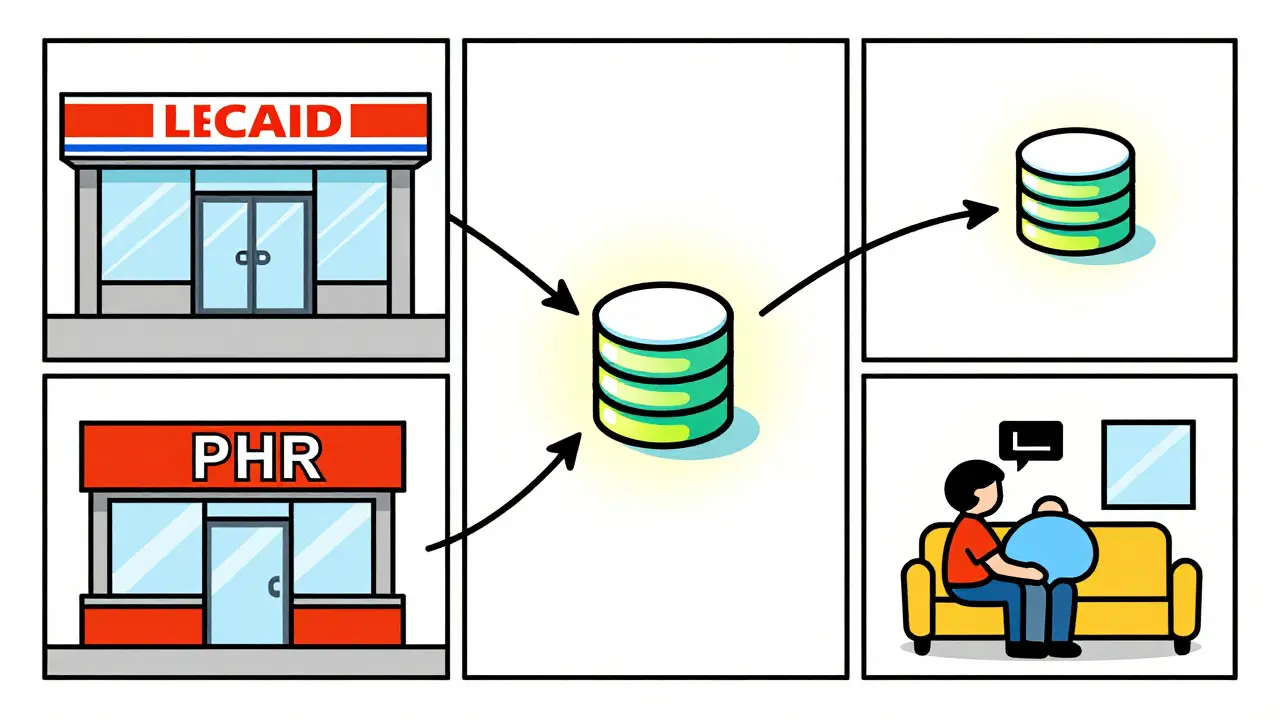
PHRs collect medication data from three main sources: pharmacy benefit manager (PBM) claims, direct pharmacy feeds, and patient-entered information. PBMs cover 92% of prescription fills, while direct pharmacy feeds include cash purchases. Patient-entered data lets you add supplements or OTC drugs your pharmacy might not track.
Systems like Surescripts handle 22 billion annual transactions across U.S. pharmacies. They match patients with 99.2% accuracy using 12 data points like name, date of birth, and address. This means your medication history follows you regardless of which pharmacy you use. However, not all pharmacies share data equally. Smaller independent pharmacies sometimes struggle with compatibility, creating gaps in your record.
Benefits of Using PHRs for Medication Management
PHRs save time and reduce errors. A 2022 Pharmacy Practice study found pharmacists using EHR-integrated medication histories spend 35% less time on reconciliation. That's 7.2 hours weekly redirected to patient care. Hospitals with comprehensive medication reconciliation see 18% lower readmission rates for heart failure patients, according to CMS data.
For patients, PHRs build confidence. A University of Pittsburgh Medical Center survey showed 82% of chronic disease patients felt "more confident managing medications" with PHR access. But only 44% regularly updated their records between pharmacy visits. The key is keeping your PHR current.
Common Challenges with PHRs and How to Fix Them
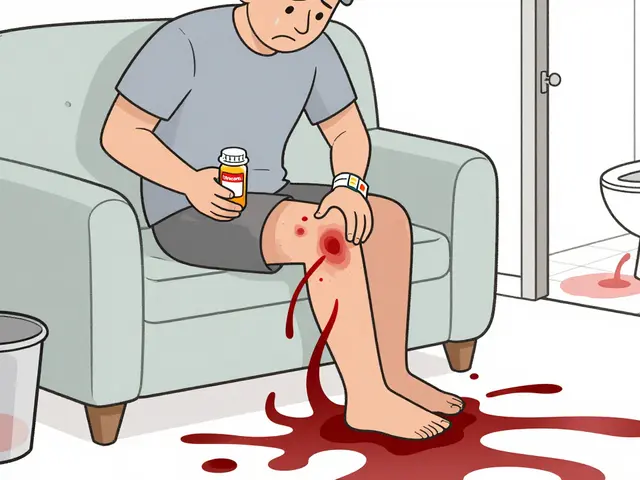
Despite their benefits, PHRs have limitations. Over-the-counter medications are often missing. A 2021 PMC study found only 37% of PHRs capture OTC drugs consistently. This creates dangerous blind spots. For instance, taking blood thinners and herbal supplements like ginkgo biloba can cause serious bleeding risks if not recorded.
Data retention is another issue. Some systems only keep 18 months of dispensing history. If you haven't visited a pharmacy in over a year, older prescriptions might disappear. Patient-entered data also has errors. Duke University audited 12,000 records and found 61% of patient-entered medications had dosage mistakes.
Here's how to handle these challenges:
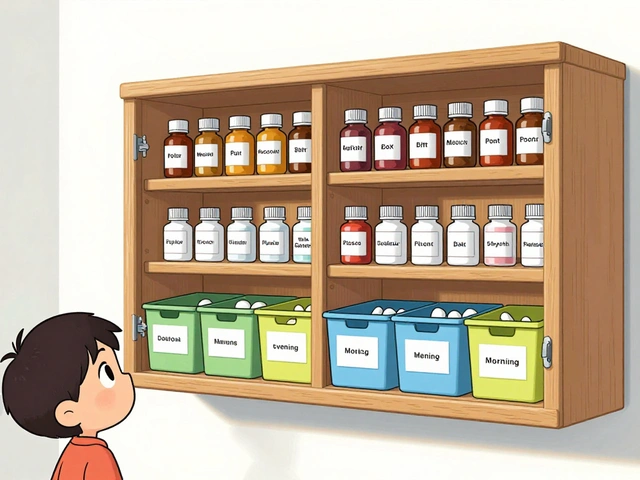
- Manually add OTC drugs and supplements to your PHR. Don't rely on automatic capture.
- Review your PHR every 3 months for missing or outdated entries.
- When adding new medications, double-check dosage instructions with your pharmacist.
- Ask pharmacies to verify data before dispensing new prescriptions.

Setting Up Your Personal Health Record
Setting up a PHR is simple. Here's how to get started:
- Choose a system: Apple Health Records for iPhone users, My Health Record for Australians, or Surescripts for U.S. pharmacies. Each has different strengths.
- Link your pharmacies: Most systems automatically connect to pharmacies that participate in the network. For example, My Health Record includes data from 7,800+ Australian community pharmacies.
- Review and update: Check the imported data for accuracy. Add missing medications manually. Confirm dosages and frequencies.
- Share with your care team: Give permission to your doctors and pharmacists to view your PHR. This ensures everyone has the same medication list.
For Australians, My Health Record automatically includes dispensing data from most pharmacies. Just activate your account at myhealthrecord.gov.au. For U.S. residents, Apple Health Records requires enabling "Health Records" in the Health app and linking to participating pharmacies. Surescripts works through your pharmacy's software-ask your pharmacist to include you in their system.
| System | Availability | Data Sources | Accuracy | Ease of Use |
|---|---|---|---|---|
| Apple Health Records | iOS users (200+ million) | Pharmacy claims, patient-entered data | 68% medication history completeness | High (user-friendly interface) |
| My Health Record | Australia-wide (93% enrollment by 2022) | 7,800+ community pharmacies | 93% population coverage | Moderate (requires activation) |
| Surescripts | U.S. pharmacies | 22 billion annual transactions | 92% completeness rate | High (pharmacist-focused) |
Real-World Impact of PHRs
PHRs aren't just theoretical-they save lives. A 2023 Health Affairs study calculated every $1 invested in PHR medication management yields $4.37 in reduced adverse drug events and hospitalizations. In Australia, My Health Record reduced duplicate prescribing by 28% according to the Digital Health Agency's 2022 evaluation.
However, adoption varies. Only 39% of patients actively maintain personal medication records, while 87% of U.S. hospitals use PHR-adjacent tools. This gap means many patients miss out on the benefits. The key is patient engagement. As Dr. Adam Wright from Brigham and Women's Hospital stated, "PHRs that integrate pharmacy data reduce medication reconciliation errors by 43% but require patient engagement to maintain accuracy."
How do PHRs prevent medication errors during care transitions?
PHRs provide a complete medication list across all pharmacies. When a pharmacist or doctor checks your PHR before prescribing or dispensing new medications, they can see all current drugs and avoid dangerous interactions. Studies show PHRs reduce medication reconciliation errors by 43% during transitions of care. For example, if you're admitted to the hospital, the medical team can quickly access your full medication history, reducing the risk of duplicate prescriptions or harmful combinations.
Can PHRs track over-the-counter medications and supplements?
Yes, but not automatically. Most PHRs require you to manually add OTC drugs and supplements. A 2021 study found only 37% of PHRs capture OTC data consistently. For instance, if you take blood thinners and herbal supplements like ginkgo biloba, failing to record them could lead to dangerous bleeding risks. Always review your PHR and add missing OTC items yourself to ensure accuracy.
What should I do if my PHR has incorrect medication data?
Contact your pharmacy to correct the data at the source. For example, if a prescription is missing, ask the pharmacy to resubmit it. For patient-entered errors, edit the data directly in your PHR. Regularly review your PHR-every 3 months-to catch discrepancies. A Mayo Clinic patient reported that manually adding herbal supplements resolved safety issues they'd previously faced.
How do different pharmacy systems share data with PHRs?
Most systems use FHIR standards for data exchange. Surescripts handles 22 billion annual transactions, matching patients across pharmacies using 12 data points like name and date of birth. However, smaller independent pharmacies sometimes use incompatible systems, causing gaps in data. For example, cash purchases at a small pharmacy may not appear in your PHR if they don't participate in the network. Always verify with your pharmacy that they're sharing data correctly.
Are PHRs secure for sensitive health information?
Yes. Certified PHRs use AES-256 encryption and HIPAA-compliant storage. 98% meet NIST Cybersecurity Framework standards as verified by the Office of the National Coordinator. You control who accesses your data through permission settings. For example, you can grant access to your primary care doctor but restrict it from other providers. Always use strong passwords and enable two-factor authentication for added security.





February 6, 2026 AT 10:26
Personal Health Records are a non-negotiable necessity for anyone managing multiple medications. Without them, pharmacies cannot accurately assess potential drug interactions. I've witnessed firsthand how missing over-the-counter supplements in PHRs led to severe bleeding incidents. It's imperative that patients take proactive steps to maintain their records.